Automations that survived a year in production — and the one thing I chose not to automate
Twelve jobs run in the background of my server. When a step fails, I see it; the phone does not ring for every small thing; and one job I left to a person on purpose.
Automation that doesn't look like a demo
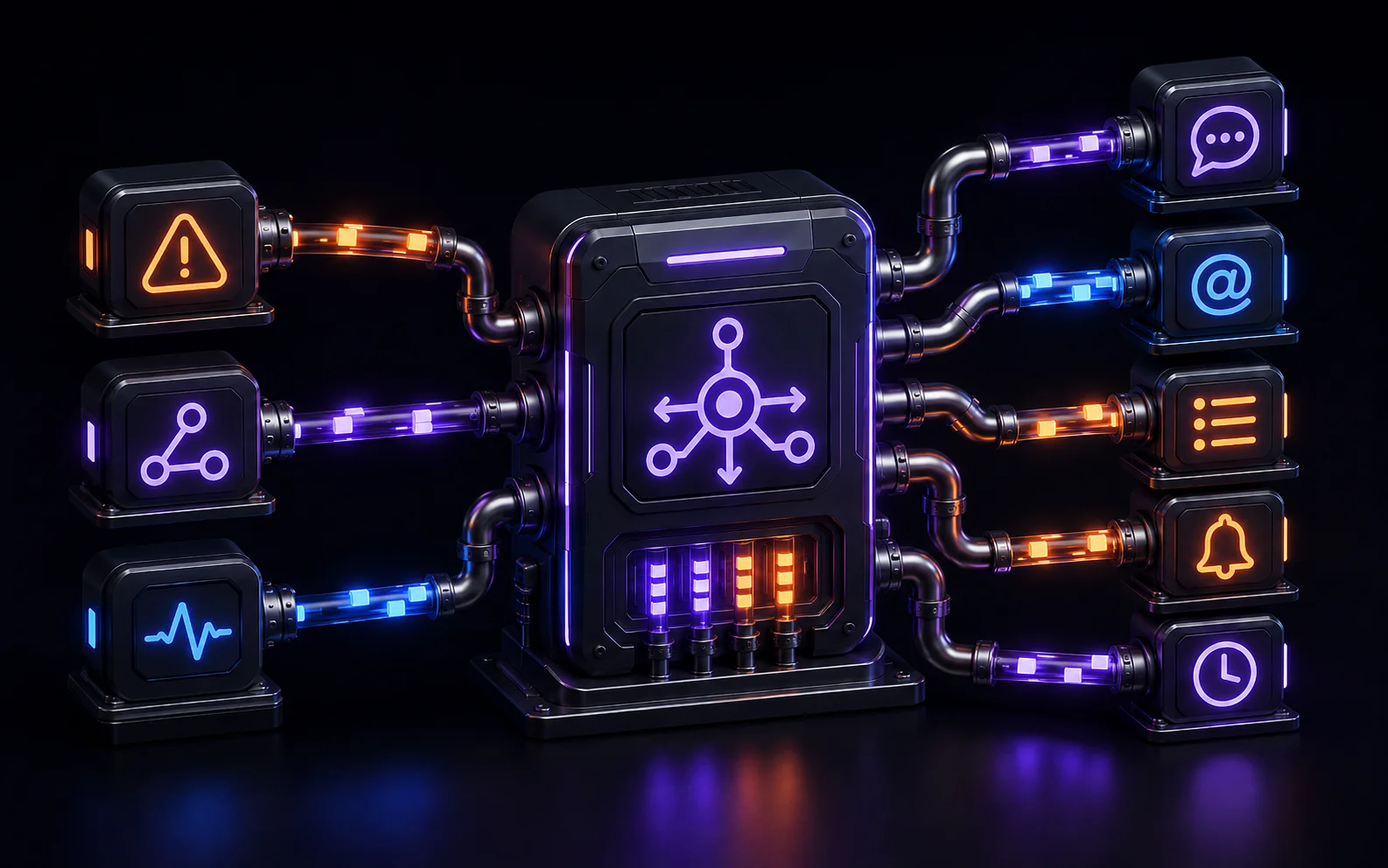
Posts about usually show the same thing: a flashy AI workflow built in fifteen minutes. At my place, n8n has spent over a year doing something far less photogenic — it's the event plumbing of a home server. Twelve active workflows, more than eight hundred executions a week, and the routine notification path runs without errors. The oldest workflow dates back to November 2025 and is still in use.
This post is a catalog of the patterns that survived that year: what worked, which pitfalls cost me entire evenings, and where n8n stopped being the right tool. The numbers come from my instance's database (n8n 2.25.7), not from memory.
Pattern 1: the webhook as an intake pipe
The simplest and oldest pattern: something in the infrastructure can send an HTTP POST, n8n receives it and turns it into action. That's how alerts enter my system — detects a problem, Alertmanager routes it to n8n via webhook.
Two lessons from this pattern:
Always check status === 'firing'. Alertmanager sends the same webhook when an alert fires and when it resolves. Without this condition, every problem reports itself twice — the second time when it's already gone.
The webhook body is nested. The Webhook node doesn't hand you the payload directly — it wraps it in an object with headers, query, and metadata:
// Tak NIE dosięgniesz danych z Alertmanagera:
$('Webhook').first().json.alerts

// Tak — payload siedzi w .body:
$('Webhook').first().json.body.alerts
Sounds trivial, but it's the first thing every new webhook workflow trips over — expressions return undefined and nothing tells you why.
Pattern 2: the dispatcher — one workflow decides who and how
For the first few months, every workflow sent notifications its own way: a hardcoded topic, sometimes Telegram, sometimes both. Changing someone's channel meant editing several workflows. That ended with a pattern I call the dispatcher: one workflow owns delivery, all the others just report events to it.
The dispatcher does three things:
- Turns the raw alert into a message for a human with two local language models via : the fast phi4-mini classifies the priority, and the Polish Bielik model writes a one-or-two-sentence notification — an alert should be a message, not a JSON dump.
- Asks the home app's API for the list of recipients with their preferences: channel (ntfy, Telegram, or both), minimum priority, quiet hours.
- Iterates over users and delivers to each according to their settings.
To make this work, every source reports events using one simple contract. The dispatcher only needs a few fields — the rest is metadata for the future:
{
  "schema_version": 1,
  "source": "backup",
  "key": "daily-restic",
  "severity": "high",
  "title": "Backup nie wykonał się",
  "message": "Ostatni udany backup: 26 godzin temu",
  "link": ""
}
The contract is a superset: the dispatcher reads title, message, severity, and source, while fields like key and schema_version let the system grow without breaking existing sources.
n8n stores no preferences at all. It asks the app's API for them on every delivery — there is a single source of truth and it lives in the database, while the workflow stays stateless. When someone changes their notification channel in the app, no workflow needs editing.
The same pattern handles my server alerts, trash pickup reminders, household chores, and calendar events. Different sources, one delivery path.
Pattern 3: a queue instead of dropping
Quiet hours are a feature that's easy to get wrong. The first version simply didn't send notifications at night — meaning it lost them. A reminder that didn't go out at 11 PM didn't exist in the morning.
The current version loses nothing. A notification that lands inside quiet hours goes into a queue table with a scheduled send time equal to the end of quiet hours. An n8n workflow wakes up every 15 minutes and asks the API to process the backlog. Two details make the difference:
- Preferences are re-queried at send time, not frozen at queueing time — the user might have changed them overnight.
- High priority skips the queue. An alert about a dying disk should wake you up; a habit reminder can wait until morning.
This workflow is the best argument for boring automation: last week it executed 672 times — exactly what a 15-minute schedule adds up to. Zero misses, zero errors, zero attention from me.
Pattern 4: self-healing, but with fuses
Three workflows take action on their own here: restarting a container that failed its healthcheck; stopping on-demand services when nobody is using them; unloading a language model from memory when the CPU temperature climbs too fast.
A word on security, because this is easy to get wrong: n8n has no access to the socket in my setup. It talks to a small internal service that exposes a fixed, narrow set of operations — restart, logs, status of a specific container — and nothing else. Mounting docker.sock directly into n8n would mean every workflow (and every n8n vulnerability) has full control of the host. The intermediary limits the blast radius to operations I already considered reversible.
The shared rule for all three: the action must be reversible and reported. Restarting a container destroys nothing — at worst it doesn't help. A stopped on-demand service comes back with one command. And every action triggers a notification, so I know the automation acted at all. Anything that requires a decision — updates, deleting data, configuration changes — n8n doesn't touch here.
The line between "self-healing" and "automation masking a problem" is thin. A restart fixes the symptom, not the cause — which is why every such action leaves a trace in notifications. Three restarts of the same container in a week is a signal for manual diagnosis, not an automation success story.
Pattern 5: who watches the watchman
The whole notification system has one shared point of failure: the dispatcher. If it dies quietly, the rest of the homelab can burn in silence. That's why a separate workflow checks every hour whether the dispatcher is alive and whether its recent executions look healthy — and its lack of activity is caught by an independent mechanism outside n8n. Concretely: an uptime monitor polls a health endpoint exposed by n8n and raises alarms through channels that don't pass through the dispatcher. The principle is simple — the watchman can't depend on the system it watches, nor deliver its alarm through the very path that may have just failed.
While building this workflow I ran into a trap that looks scary but is harmless. The dispatcher has success-execution logging disabled (saveDataSuccessExecution: none — with hundreds of executions a week the database would grow pointlessly). Side effect: the database keeps soft-deleted records with a running status. During one diagnosis I counted a hundred and thirty-three of them and was sure I'd found an army of zombies. It's an ordinary artifact of that setting — not a failure.
Schedule pitfalls: timezone and intervals
Two things that broke my recurring workflows before I learned to avoid them:
Without GENERIC_TIMEZONE, cron runs in UTC. A trash reminder set for 6:30 PM went out at a different hour, because the n8n container lived in a different timezone than my kitchen. One environment variable in compose settles it:
environment:
  - GENERIC_TIMEZONE=Europe/Warsaw
Hourly intervals in the Schedule Trigger can be treacherous. The "every N hours" configuration managed to crash a workflow on activation in my case, and its semantics ("every N hours" vs "at hour N") are easy to confuse. Since then I write every schedule explicitly as a cron expression — 30 18 * * * means exactly one thing.
Timeouts: a ceiling, not a default
The EXECUTIONS_TIMEOUT variable looks like a default that a workflow can extend for itself. It can't. It's a global, hard ceiling — a per-workflow limit can only be set below it. Mine sits at 1500 seconds, because long calls to local language models used to pass through n8n; if your workflows wait on slow APIs, check this variable before you start raising limits in workflow settings that won't do anything anyway.
A separate lesson: every clock in the chain (HTTP client → n8n → downstream service) must agree with the others. I covered that in more detail in the post about running a local LLM without a GPU, where these timeouts genuinely hurt.
Data model pitfalls — for those who automate n8n itself
You click workflows together in the UI, and there this chapter doesn't apply. But if you treat n8n as infrastructure — backup, restore, seeding workflows from scripts — its internal data model in holds a few surprises:
| Pitfall | Symptom |
|---|---|
Workflow code lives in workflow_history, pointed to by activeVersionId | Editing workflow_entity.nodes in the database changes nothing — n8n executes the old version |
The shared_workflow entry links to a project, not a user | A manually inserted workflow refuses to activate |
activeVersionId must have a counterpart in workflow_published_version | The workflow looks active, but cron never starts |
| Importing via CLI always deactivates the workflow | After a restore from backup everything sits idle until you re-enable workflows |
Every row of this table is an evening of debugging I could have avoided. The sneakiest is the third one: publishedVersionId in workflow_published_version must point to the same version as activeVersionId, or the schedule silently never runs. The practical takeaway: treat the n8n database as a black box for as long as you can, and if you must go in — do it on a copy.
n8n's database migrations are one-way. After an update that breaks something, there is no going back to an older version — the schema has already moved on. Backing up the database before every version bump isn't paranoia; it's the only form of rollback available.
The line: what I no longer build in n8n
For a few months my home AI agents also ran in n8n — the AI Agent node, local models, tools for checking server state and notes. After one update it stopped working: tool call arguments were getting lost inside the framework, and upstream issues were being closed without a fix. There was nothing to repair on my side — one-way migrations blocked a downgrade. The full story, with links to the issues and what I built instead, is in the post about the local LLM.
The broader conclusion matters here. n8n turned out to be excellent where the flow is simple and the integrations are ready-made: a webhook comes in, a few nodes process it, a notification goes out. It turned out to be fragile where the logic was complex and depended on the framework's behavior underneath — an agent loop with tools is too many moving parts to hang on someone else's release cycle. Simple LLM chains (alert summarizing, classification) stayed in n8n and run without complaint.
What I'd tell myself a year ago
- Start with a dispatcher. One workflow delivers, the rest report events. Adding new notification sources then takes minutes, not hours.
- Keep preferences outside n8n. Stateless workflow, source of truth in the app's database.
- Queue instead of dropping. Quiet hours postpone delivery; they don't erase the message.
- Automated actions only if reversible and reported. Restart yes, update no.
- Set
GENERIC_TIMEZONEon day one and write schedules as cron expressions. - Back up the database before every n8n update — migrations are one-way.
- Have a watchman for the watchman. Notification systems die too, usually in silence.
n8n isn't the star of my setup — it's the electrical wiring. And that's the biggest compliment automation can get: for over a year it has simply been there, and I'm only writing about it now because it never gave me a reason to before.
Frequently asked questions
What is n8n best suited for in a homelab?
Event plumbing: receiving webhooks, routing notifications according to user preferences, recurring jobs, and simple self-healing automations. These tasks are boring, repetitive, and have clear inputs — exactly where a visual editor and built-in integrations save the most time.
Is n8n enough to replace cron?
For jobs with an input, an output, and logic in between — yes, and you get execution history and error handling on top. Simply firing a script at a fixed time I still leave to systemd timers: fewer moving parts and easier diagnostics.
What should I watch out for with self-hosted n8n?
Three things: the timezone (without GENERIC_TIMEZONE schedules run in UTC), the global execution time limit (EXECUTIONS_TIMEOUT is a hard ceiling, not a default), and updates — database migrations are one-way, so after a broken upgrade there is no way back without a backup.
Is it worth building AI agents in n8n?
Carefully. The AI Agent node with local models and tools can be fragile — in my case it broke after an update in a way I couldn't fix on my side. Simple LLM chains (summarizing, classification) work great in n8n; the agent loop with tools I moved into my own code.